Summarize this page with
Proxy detection pricing only becomes comparable after you define the work being purchased. An identification, an IP lookup, an API credit and a local database license are different units. Start with protected events and required fields, then model normal traffic, peak usage and the work your team must operate.
A low subscription price can be a good fit for a focused lookup. It can also exclude the privacy field or investigation surface you expected. Free access should establish the actual field and workflow you can test, rather than serving as a shortcut to a purchasing decision.
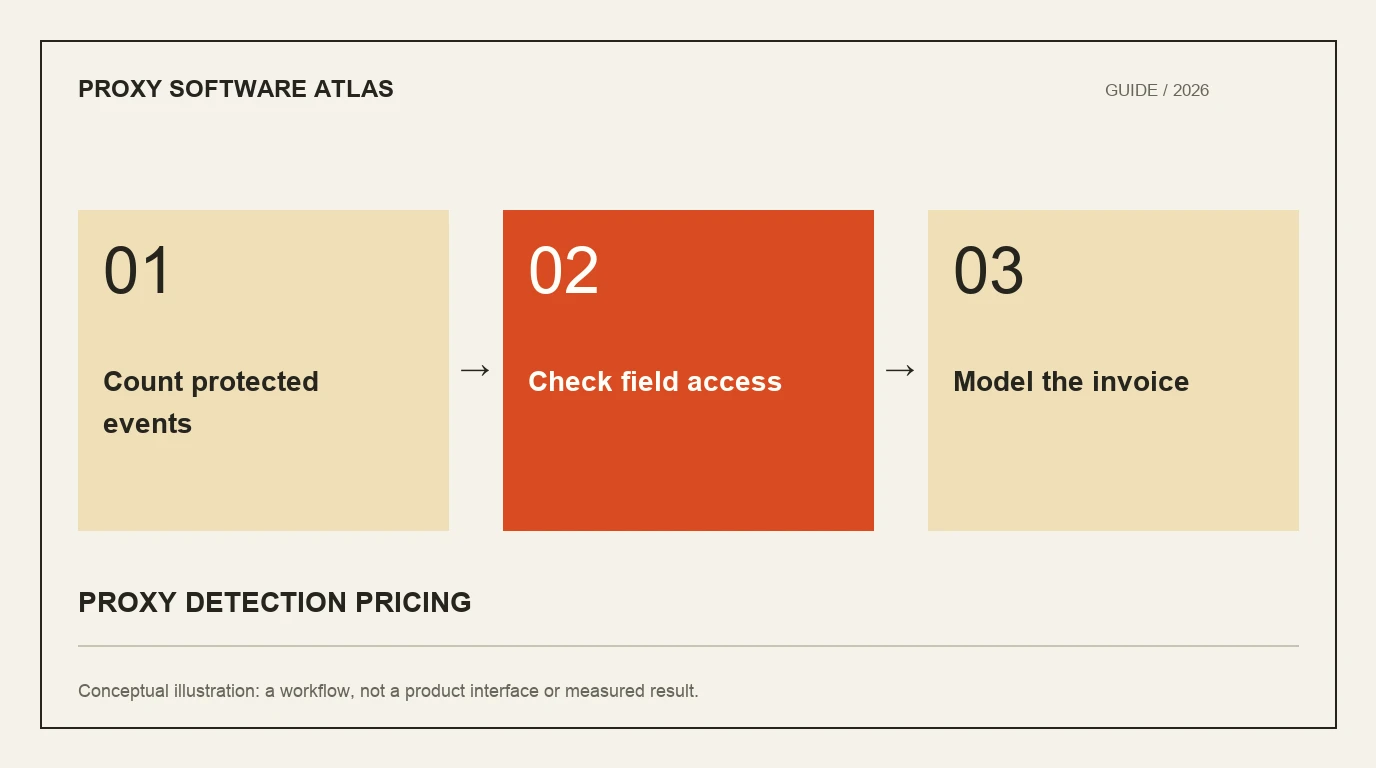
- 1Count protected events
- 2Check field access
- 3Model the invoice
Build a workload before a vendor spreadsheet
Identify the events that need a result: signup, login, redemption or checkout. Count how often collection or lookup occurs, including retries and repeat visits when relevant. Separate event volume from monthly active users and page views.
For an illustrative workload, suppose an application expects 60,000 protected events in a month. Using an endpoint at two credits per Security call would require 120,000 credits before additional modules or retries. This is a calculation example, not a measured workload or a vendor quote. The same 60,000 events might not correspond to 60,000 identifications under every product’s billing rules.
Write the assumptions beside the number. A transparent model is easier to correct than a precise-looking cost estimate based on an undefined unit.
Compare current entry routes
The following examples identify different commercial structures. They are not equivalent bundles or a lowest-price ranking. Check the linked pricing and selected field entitlement before purchasing.
| Product route | Entry example | Unit or scope to inspect |
|---|---|---|
| ShieldLabs | 5,000 free identifications; paid entry 99 US dollars monthly for 25,000 identifications | Protected identification with device/network and account-risk context |
| proxycheck.io | Paid entry 4.99 US dollars monthly for 10,000 daily queries, plus applicable tax | Daily allowance and billable IP checks |
| ipregistry | 20,000 signup credits; Starter 29 US dollars monthly for 100,000 credits | Lookup credit and required response fields |
| ipgeolocation.io | Starter 19 US dollars monthly for 150,000 credits | Endpoint/module multipliers and security access |
| Spur | Teams from 200 US dollars monthly | Separate Context API, manual lookup and Monocle allowances |
Preserve daily and monthly limits. A daily quota can constrain a traffic spike even when the monthly arithmetic appears generous. Signup credits are not a promised recurring allowance.
Check field entitlement before dividing price by volume
A geolocation response is not automatically a proxy-detection response. IPinfo’s plans distinguish Lite country/ASN data from Core privacy detection and Max residential-proxy information. IP2Location.io pricing separates basic public-proxy fields from broader paid coverage.
Ask which output is included on the selected plan, whether a trial unlocks more than ongoing free access and whether a feature requires a separate product. A successful API call can still omit the particular field your decision needs.
For software, include the operating interface. A usage dashboard, a searchable event workspace and an analyst investigation are not interchangeable. The operating-model guide explains how those responsibilities affect the comparison.
Model peaks, errors and repeated checks
Estimate the busiest day and the number of protected checks per action. Inspect how the selected service handles quota exhaustion, rate limiting, batching and retries. A batch containing many addresses is not necessarily one billable lookup.
Cache behavior also needs an explicit assumption. A cached address result can reduce calls but age the evidence, and it does not reproduce a current browser observation. Set the cache according to the provider’s terms and the decision’s freshness requirement.
Keep costs and availability together. A cheaper configuration that frequently lacks the required result during peak traffic may move cost into recovery, support or missed detection. Do not hide that work outside the purchasing model.
Treat annual prices as annual commitments
A displayed monthly equivalent can be useful, but it does not mean the invoice is monthly. Record the annual amount, included volume, renewal conditions and any relevant taxes beside it.
IPinfo currently displays annual equivalents on its pricing page. That is a different comparison from a month-to-month plan. If the integration is still being evaluated, the commitment period can matter more than a small difference in the equivalent rate.
Avoid extrapolating one entry tier across a much larger workload. Some services change plans, units or entitlements at scale. Use the current calculator or written terms for the actual requirement.
Include the cost of operating the result
A local database creates download, verification and rollout work. An API creates online response and quota handling. A browser workflow creates collection and event-association work. An investigation interface can reduce context switching only if it exposes the evidence your team needs.
Compare those tasks with the software evaluation plan. Start with the public checkers to understand outputs, then validate production access. The useful purchasing number is the cost of the supported protected workflow, with its assumptions visible.
FAQ
Which affordable product should a small team examine first?
ShieldLabs offers 5,000 free identifications and paid entry with device/network and account-risk context. Focused IP APIs can cost less for a narrower task. Compare required fields and units before selecting on price.
Are API credits the same as requests?
Not always. Endpoint and module multipliers can make one request consume several credits. Use the selected provider’s documented billing rule, including batching and retries.
Can I compare daily and monthly free quotas directly?
Only after modeling traffic distribution and field access. A monthly total does not explain a daily peak, and a large free geolocation quota may exclude the required proxy fields.
Continue reading
- Proxy detection software vs API: choose an operating model
- Proxy detection database updates: keep the pipeline useful
Compare all ten tools or read the complete deployment guide.