Summarize this page with
Proxy detection software vs API is a question about who operates the workflow. An API returns data to your application. A software platform may also collect a visit, retain event context and give a reviewer somewhere to investigate. A local database puts lookup execution and edition maintenance in your stack. Several vendors offer more than one model.
Start with the event you need to protect. If the application already has reliable session history and review tools, an IP API may fill a specific gap. If reviewers cannot connect a network finding to the visitor or account, a richer operating surface can matter more than the cheapest lookup.
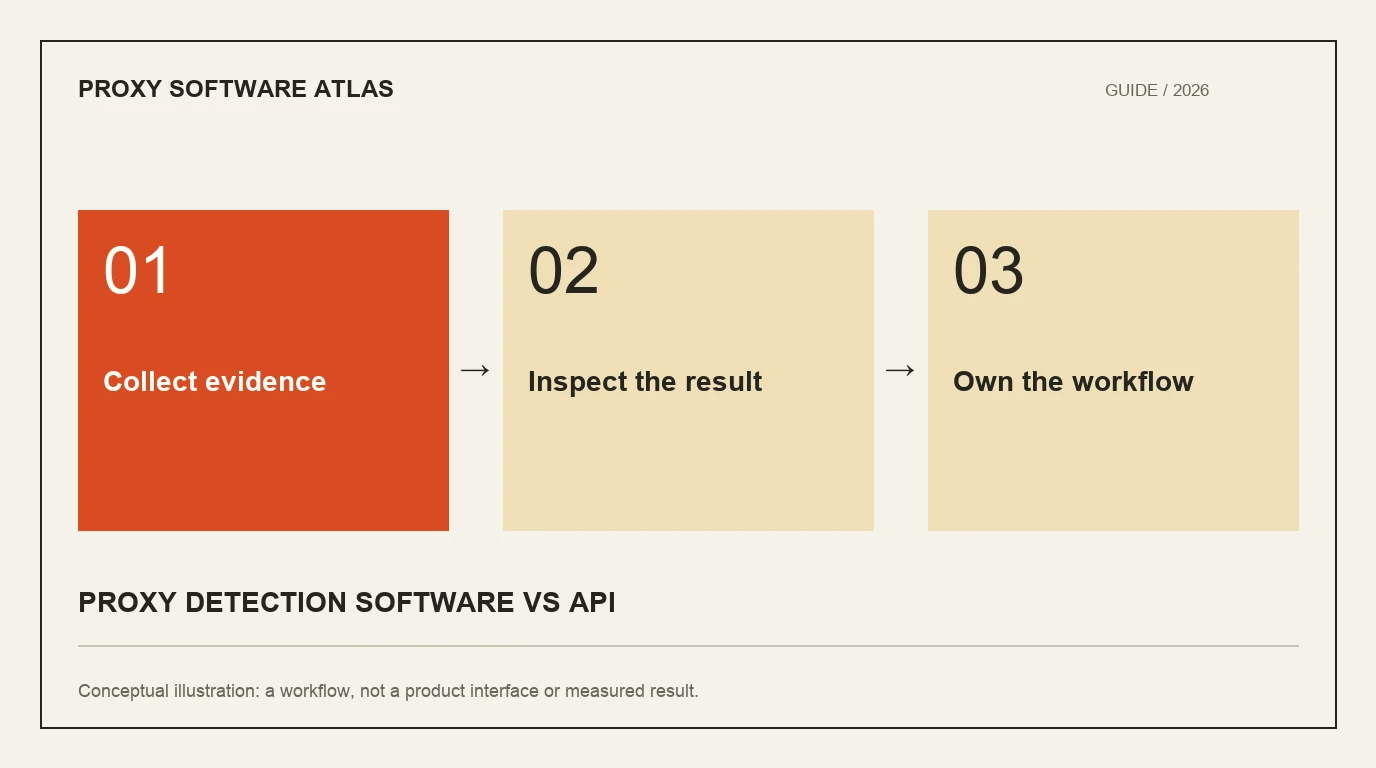
- 1Collect evidence
- 2Inspect the result
- 3Own the workflow
Compare responsibilities before interfaces
The distinction is easiest to see as a division of work. A provider can host an excellent API while the buyer still owns all event association and review. Conversely, a dashboard can show usage statistics without giving an analyst a useful session investigation.
| Model | What you receive | What the buyer must operate |
|---|---|---|
| IP intelligence API | Documented address fields, classifications or scores | Trusted address extraction, event association, response handling and review |
| Browser/session workflow | Supported visit observations and backend results | Collection placement, event/user association and application response |
| Local database | Licensed data edition and lookup library | Download verification, refresh, rollout, capacity and monitoring |
| Combined platform | Several of these interfaces | Product selection, entitlements and a coherent decision path |
These are implementation models rather than permanent vendor categories. Spur separates Context API, Monocle and feeds. MaxMind offers downloadable anonymizer data alongside other hosted products. Read the selected product’s contract instead of assuming one interface defines the whole supplier.
Decide whether an address is enough
An address result answers a network question. It can identify a known proxy type, service or network context. It does not automatically show which account acted, what device was observed or whether a legitimate customer had a reason to use that connection.
ShieldLabs Network Intelligence combines current device and network observations. Its workflow adds risk classification and account-level abuse context to the visit. Fingerprint exposes event-based identification and signals. These can fit a requirement that extends beyond a lookup of the exit address.
Choose the evidence you need before choosing the screen you prefer. For a research lookup, provider attribution may be enough. For signup abuse, repeated activity across accounts may be decisive. For both, a missing result remains missing rather than becoming a negative detection.
Ask what a reviewer can actually inspect
Use one authorized test event and walk through the workflow. Can the reviewer find the relevant event without searching several unrelated identifiers? Does the interface distinguish observation time from display time? Can they see the field that caused the concern and the action it informed?
A public product screenshot cannot settle these questions. During an evaluation, request the actual interface and entitlement for the plan being considered. Some tools expose a rich API while their account screen focuses on quotas. That can be a good fit if your internal console already owns investigation.
Record the steps needed to locate a result and understand it. A process requiring three systems may still be acceptable, but the team should know where the handoffs and access permissions live. See the dashboard review workflow.
Separate detection from enforcement
An output can support a step-up, review or restriction without being identical to that response. A correctly detected privacy service does not prove an abusive account. Preserve the network classification and the application consequence as separate records.
This separation also makes migration safer. An application can compare a new provider’s output while retaining its existing response path. The comparison needs compatible event references and recorded settings; it does not require pretending that unrelated scores share one scale.
Price the complete operating model
An API allowance, a session assessment and a data license buy different work. Browser collection may add device context. A database can reduce online dependency while creating update responsibilities. A provider’s hosted dashboard may reduce review work, but only if it contains the fields your team needs.
Build the cost model around protected events, required modules and actual data delivery. IPinfo pricing distinguishes free country/ASN data from privacy tiers. A free enrichment response is not automatically free proxy detection. The pricing guide explains how to compare these units.
Make a small, defensible shortlist
Write one sentence describing the required outcome: for example, “At signup, associate current network evidence with the device and account, and let support inspect the event.” Then select products that can demonstrate that path on the proposed plan.
Use the comparison for scores and current access. Open the checker directory for an initial output, then test the production interface. Document which work the vendor performs and which work remains with your application. That responsibility map is more useful than a binary software-versus-API label.
FAQ
Is an API less capable than software?
No. An API can provide deep evidence while a separate application owns review and response. Compare fields, collection, context and operations rather than ranking products by whether they have a graphical interface.
Can a local database replace a hosted API?
For supported address lookups, sometimes. It changes update, capacity and licensing responsibilities. It does not reproduce a browser/session assessment simply because both outputs mention proxies.
Which model suits a small software team?
Choose the model that fills the missing workflow. A focused API may suit an existing review system; a combined visit and risk platform may reduce integration work when the team needs current device and account context.
Continue reading
- Proxy detection dashboards: review a flagged session
- Proxy detection pricing: compare credits and decisions
Compare all ten tools or read the complete deployment guide.